UPDATE: Galaxy Note 8.0 accessories are now available on Gear Zap. The official dock is in stock but rest of the official accessories can be pre-ordered.
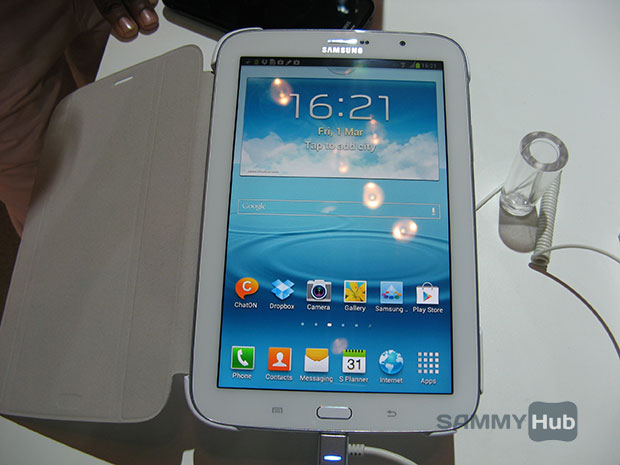
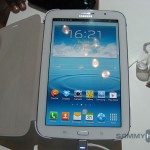
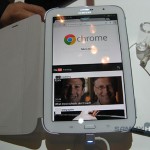
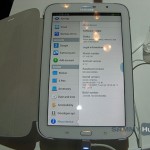
Samsung’s biggest launch at this year’s MWC was the Galaxy Note 8.0 and luckily, at the recently concluded Samsung Forum, the Korean giant was allowing some hands-on treatment to everyone.
Samsung is pitching the tablet as something you’d like to read a book on and even use it as a normal tablet for other activities. If we were to consider its looks, the Galaxy Note 510 is another Samsung device with design we’ve seen post-Galaxy S III. It is curvy, features a physical home button, menu and back buttons that also accept input from S Pen and the usual port placements. The back is a glossy plastic which is susceptible to fingerprints. Furthermore, the tablet also supports smart cover that turns on the display as soon as you flip the cover – a la iPad.
As for the performance, Galaxy Note 510 seems snappy, thanks to its quad-core 1.6GHz processor along with 2GB of RAM. Display is expectedly, sharper than its larger-sized sibling as it boasts the same resolution on the smaller display panel.
On the software front, the tablet runs Android 4.1 along with the new TouchWiz UI and boasts some software enhancements found in the other Galaxy Note devices. For instance, there’s Air View, Multi-window, Easy Clip, Paper Artist, Smart Stay, Direct Call, Popup Play etc. Samsung has also integrated two features called Reading Mode and Idea Sketch. Reading Mode basically tones down the colour and the display settings for optimal reading experience whereas Idea Sketch makes it easy to get an object by just writing it and the tablet will automatically retrieve it.
Samsung hasn’t set the release date but expect the tablet to start retailing sometime next month.
Leave a Reply